How to Follow and Unfollow a Post
You will receive email notifications for posts you follow
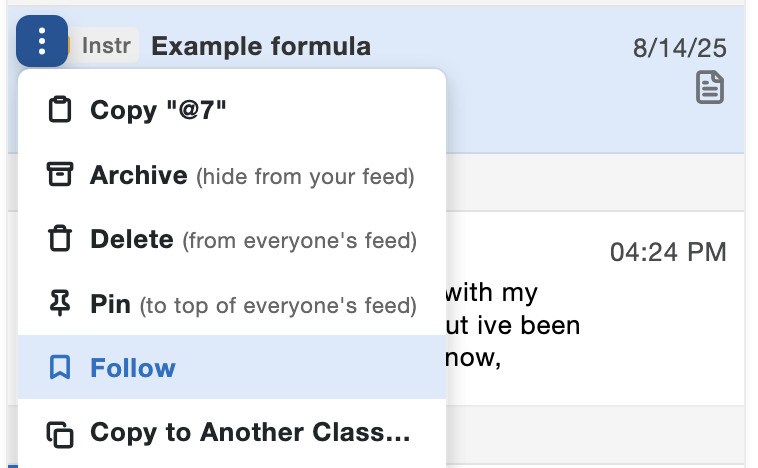
Follow a post by selecting the option on the drop-down menu:
Note: You automatically follow your own posts and any posts you edit or comment on
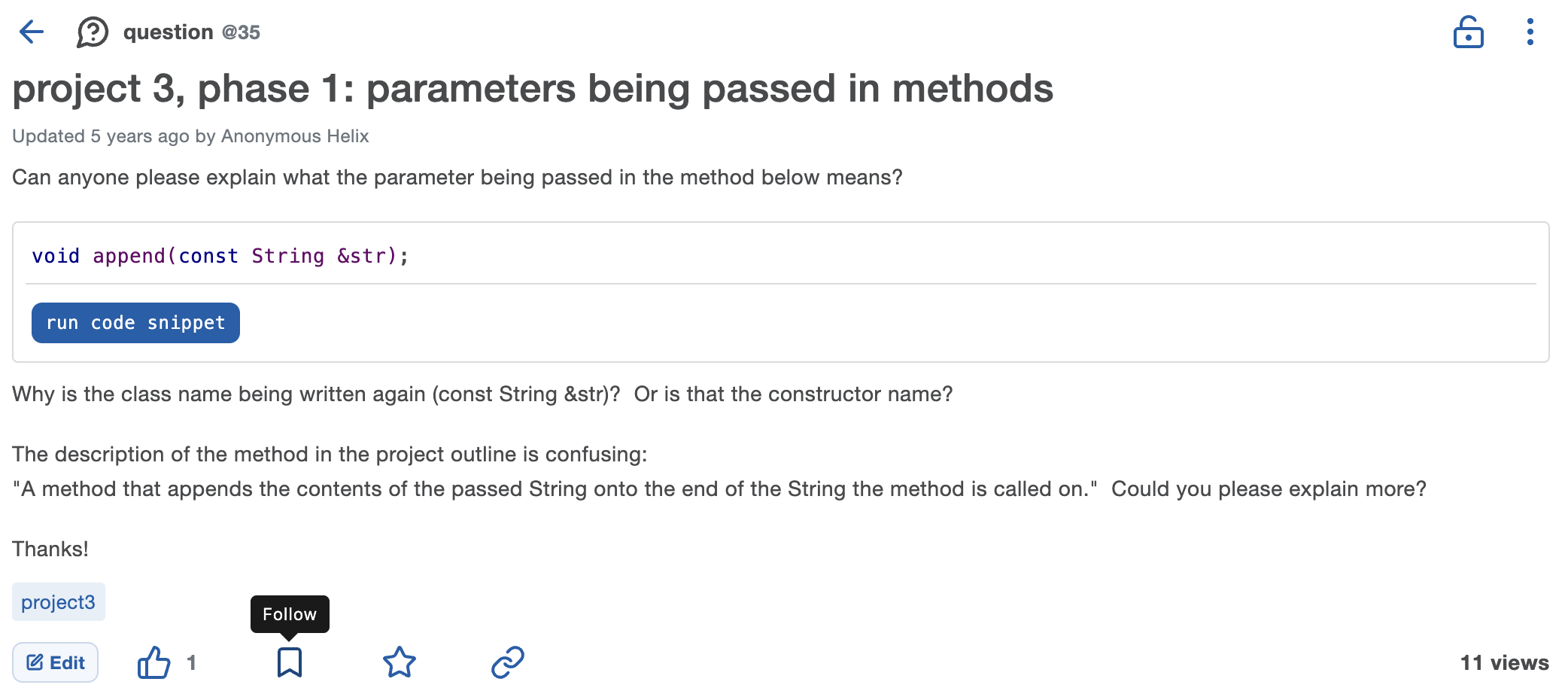
You can also follow a post you're viewing by clicking on the flag icon at the bottom of the post:
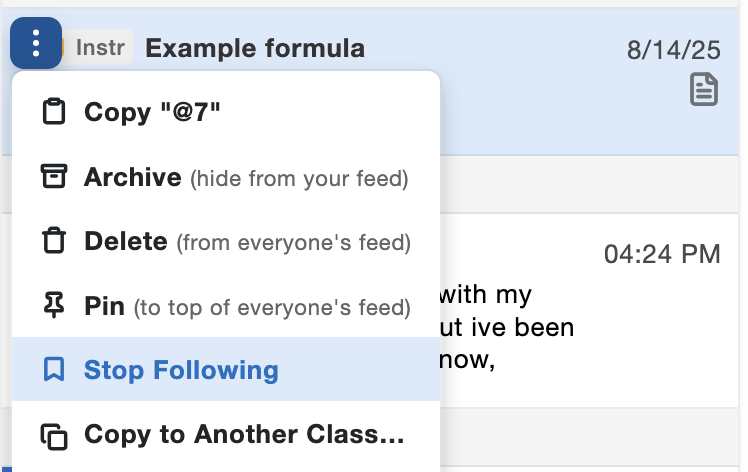
Stop following a post by selecting the option on the drop-down menu:
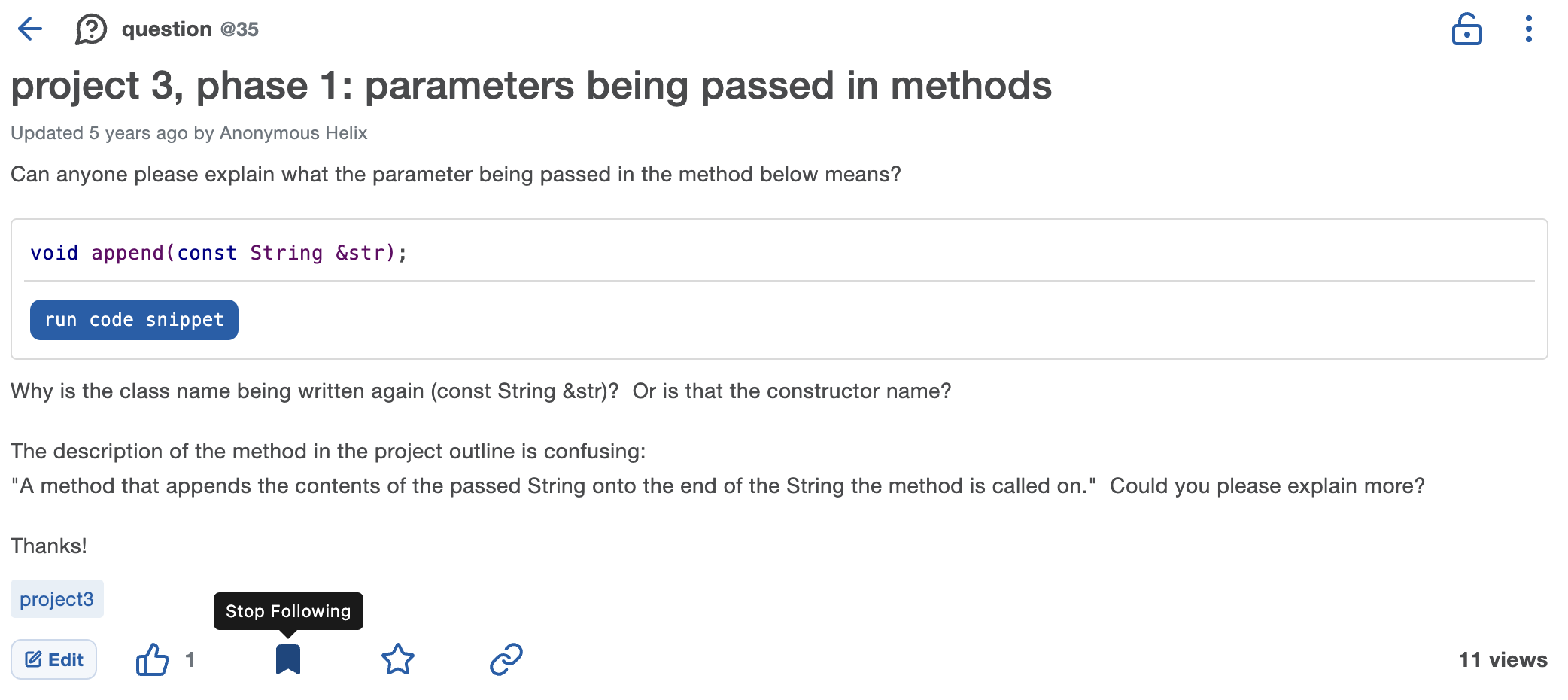
Or if viewing the post, click on the flag icon:
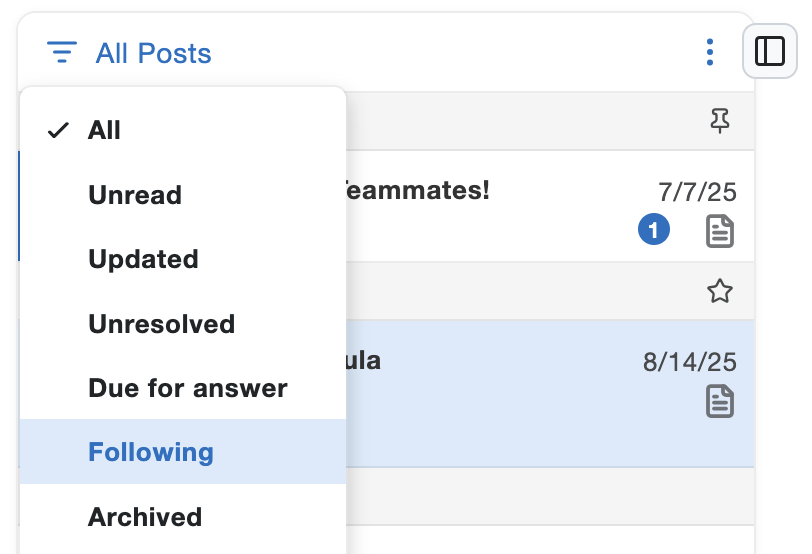
To see all the posts you follow, click on the filter icon above the feed and then click on Following:
Edit your email notification settings
to receive updates for posts you follow.
to receive updates for posts you follow.