Clarify or Improve Posts with the Wiki-Editing Feature
Instructors have the ability to edit all posts.
To edit a post, click Edit and clarify the post:
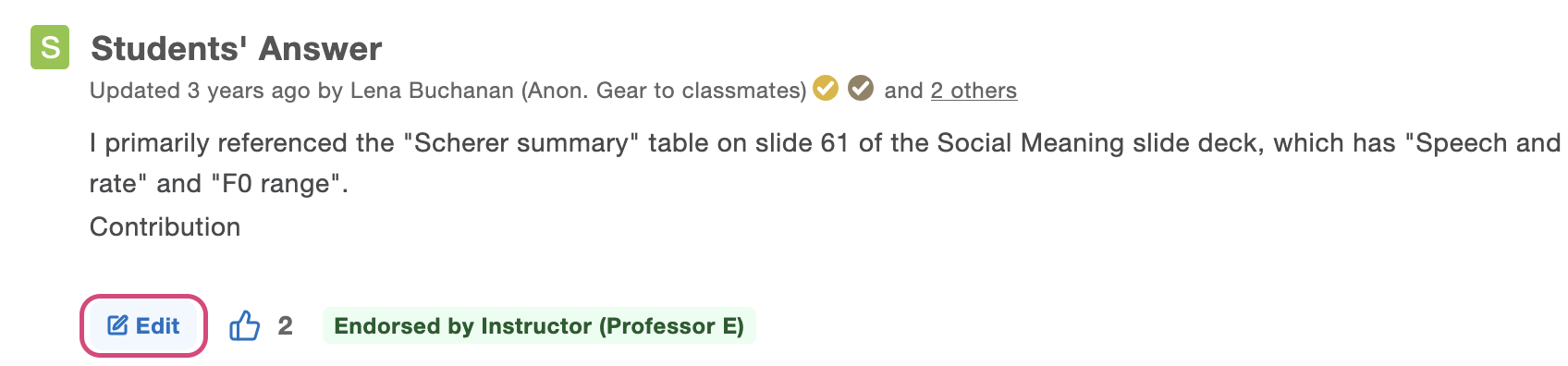
To edit a followup, click the⠸ menu and click Edit:
Note: Only the name of the person who created the followup will be displayed.
Disabling Wiki-Style Editing
If you want to prevent students from collaborating and editing other students' posts in your class, you can disable the wiki-style editing feature from the Manage Class tab.
1. Click on the Manage Class button:

2. Under the Q&A Settings header, toggle to Disable next to Collaborative Post Editing for Students. Make sure to click Save.
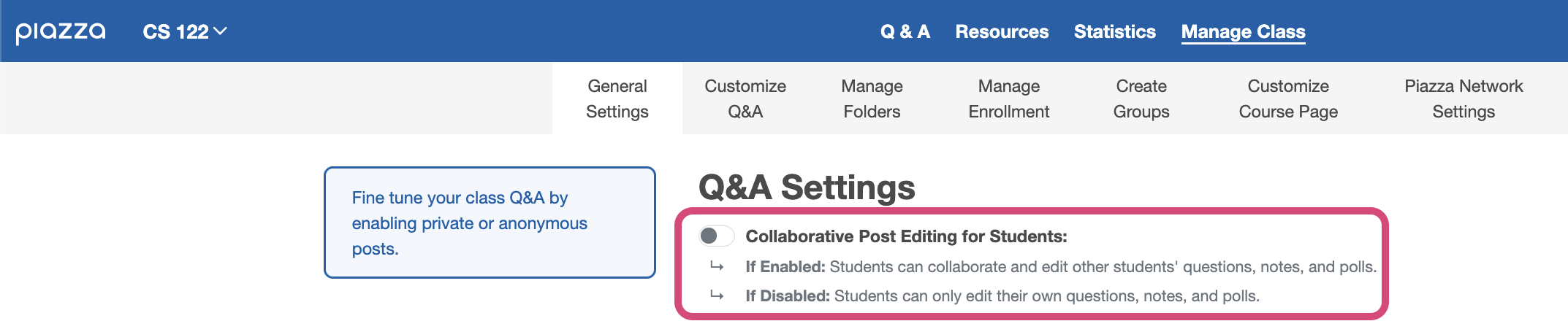
Once disabled, students in your class will only be able to edit their own posts. Instructors will still be able to edit all posts in the class.
Check out student wiki-editing capabilities.
View the history of a particular post.
View the history of a particular post.