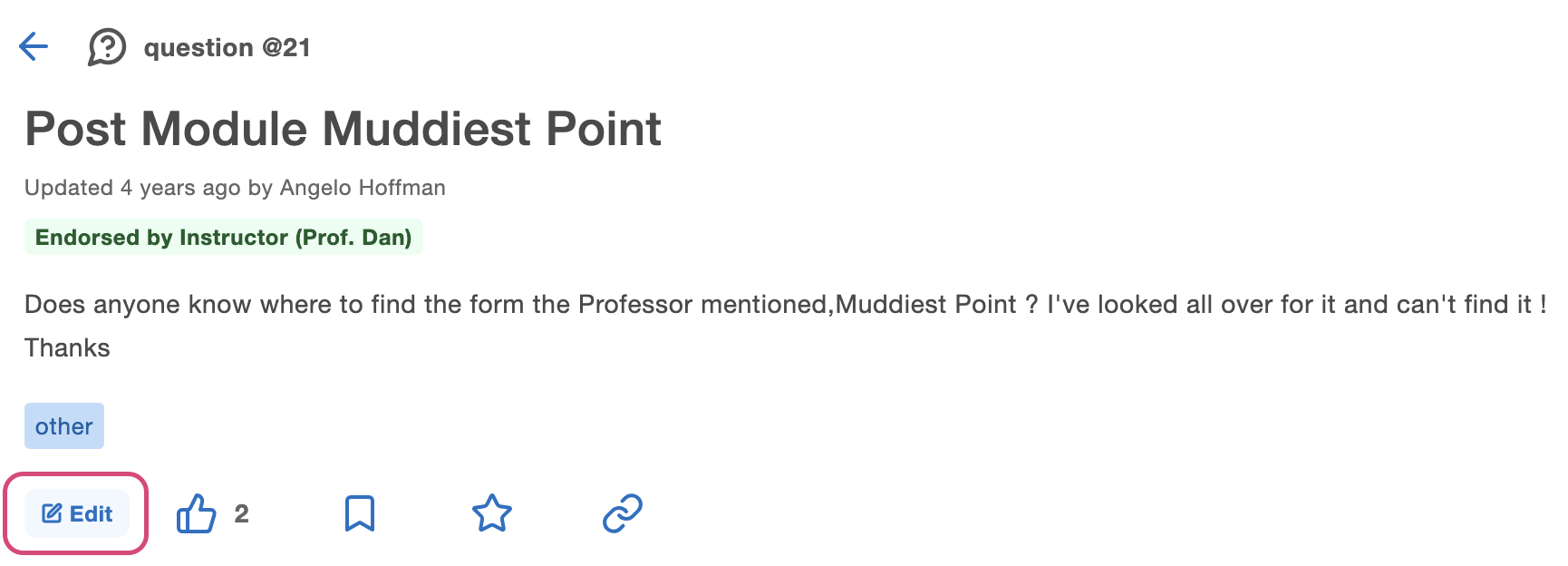
1. To change the audience of a post, first click on Edit:
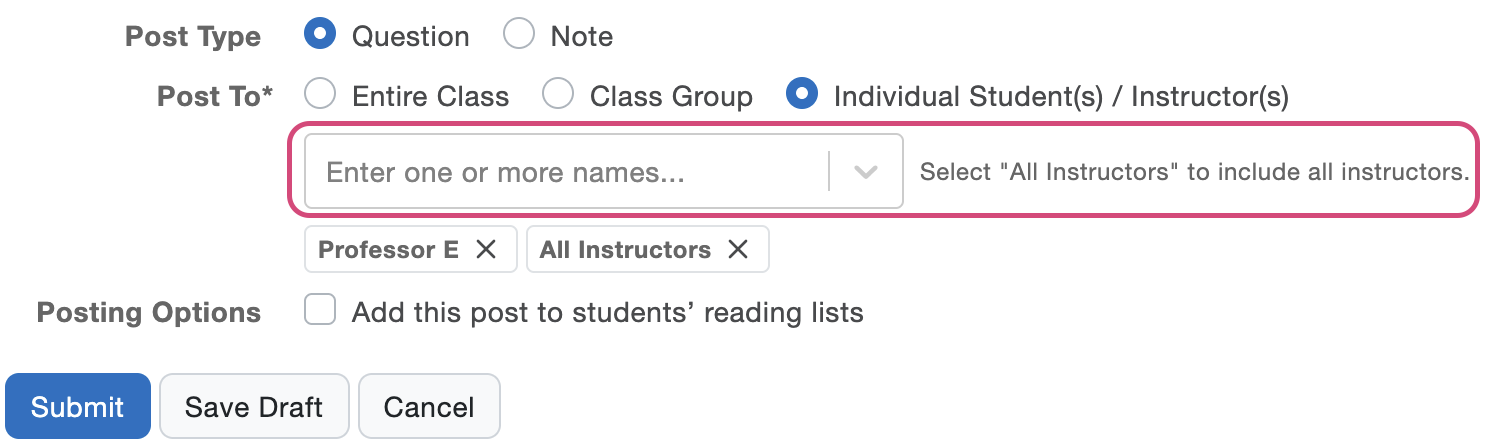
2. Next to Post to, you can set the audience to the entire Class (public), a class group, or individual students and instructors (private):

For private posts, enter 'Instructors' to include all instructors, or type in the name of individual instructors and students:
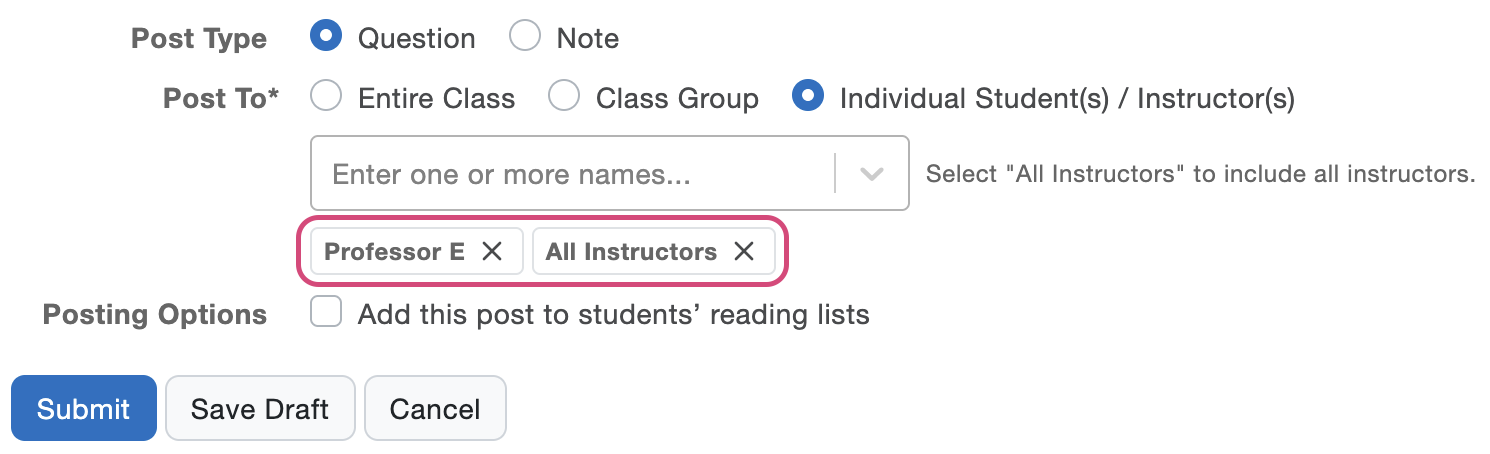
You can also click the x next to a name to remove students or instructors from the post audience:
3. Click submit to save your changes.